One document, two views
A development note can remain a readable article while also becoming a focused browser presentation.
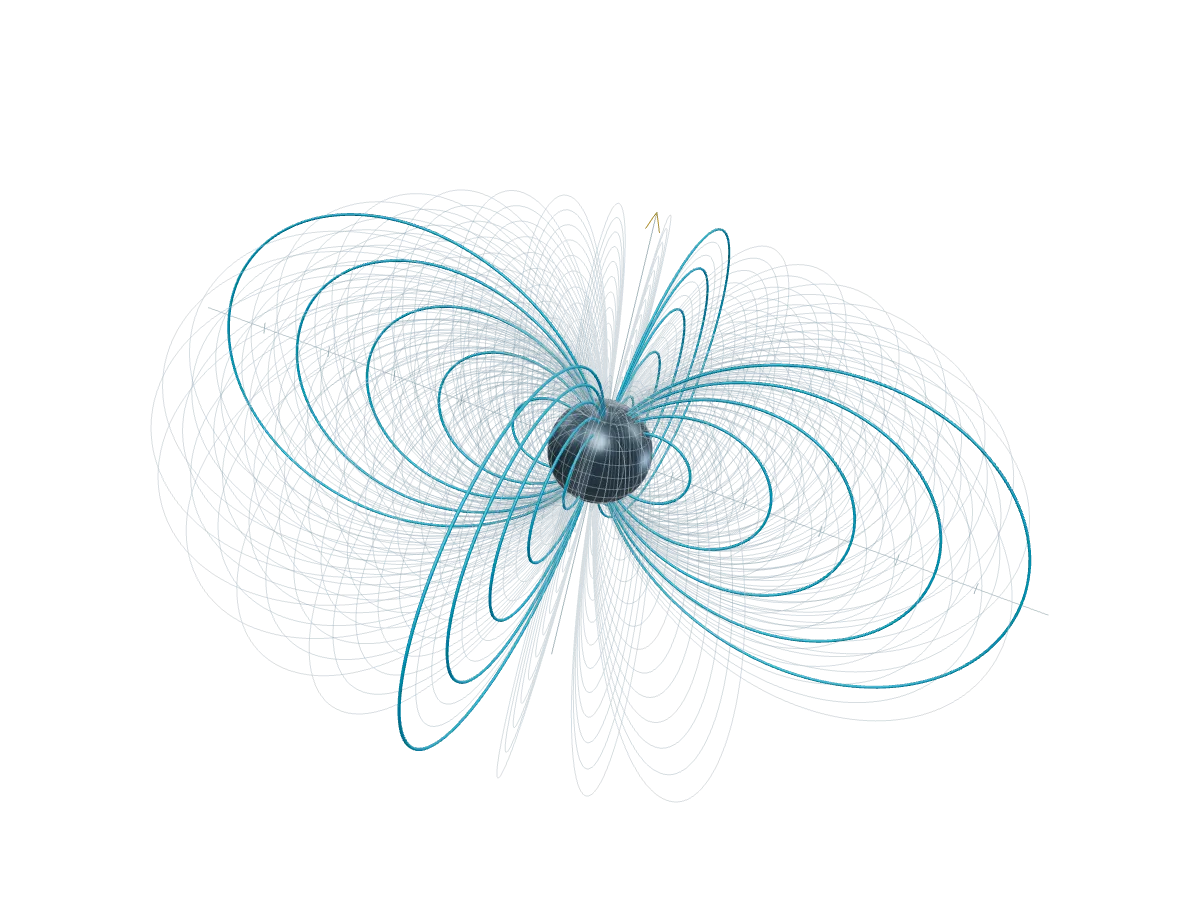
An article already has the order a talk needs: a claim, the evidence that bears on it, and the limits a reader should keep in view. The useful change is to give that same document a presentation frame, not to make a second copy for a projector.
Begin with the article
This post opts into presentation with present: true. Its title, lead, and cover stay at the beginning of the document, so Read opens as an ordinary article and Present begins with the same introduction. The Blog route keeps the date and back link outside the presentation frame because they navigate the site rather than explain the work.
The article body remains MDX. A renderer divides it at its H2 headings and top-level thematic rules, retaining the paragraphs, links, code, and footnotes within each section.1 The slide boundaries are an interpretation of the document’s structure, not a replacement source format.
Let a figure stay live
MDX imports the components it uses explicitly. There is no hidden import list to remember, and a reader can see that this interactive field is part of the article:
Two-source interference
The same figure can be read in context or focused while presenting. Its controls begin from the authored values; moving a control changes the local figure without turning a synthetic illustration into a measured result.
Keep the document accountable
Present mode changes the frame around the writing. It does not turn a browser talk into a PDF, a recording, or proof that a projector setup has been rehearsed. Those are separate artifacts with separate checks.
For a development article, the compact source is the point: revise one explanation, retain its evidence and qualifications, and choose Read or Present according to the room.
Footnotes
-
The route renders the MDX content once. Presentation grouping is applied to that rendered document. ↩