Live controls, shared themes
Adjust a figure, give it the screen, and bring the same visual style from a page into a talk.
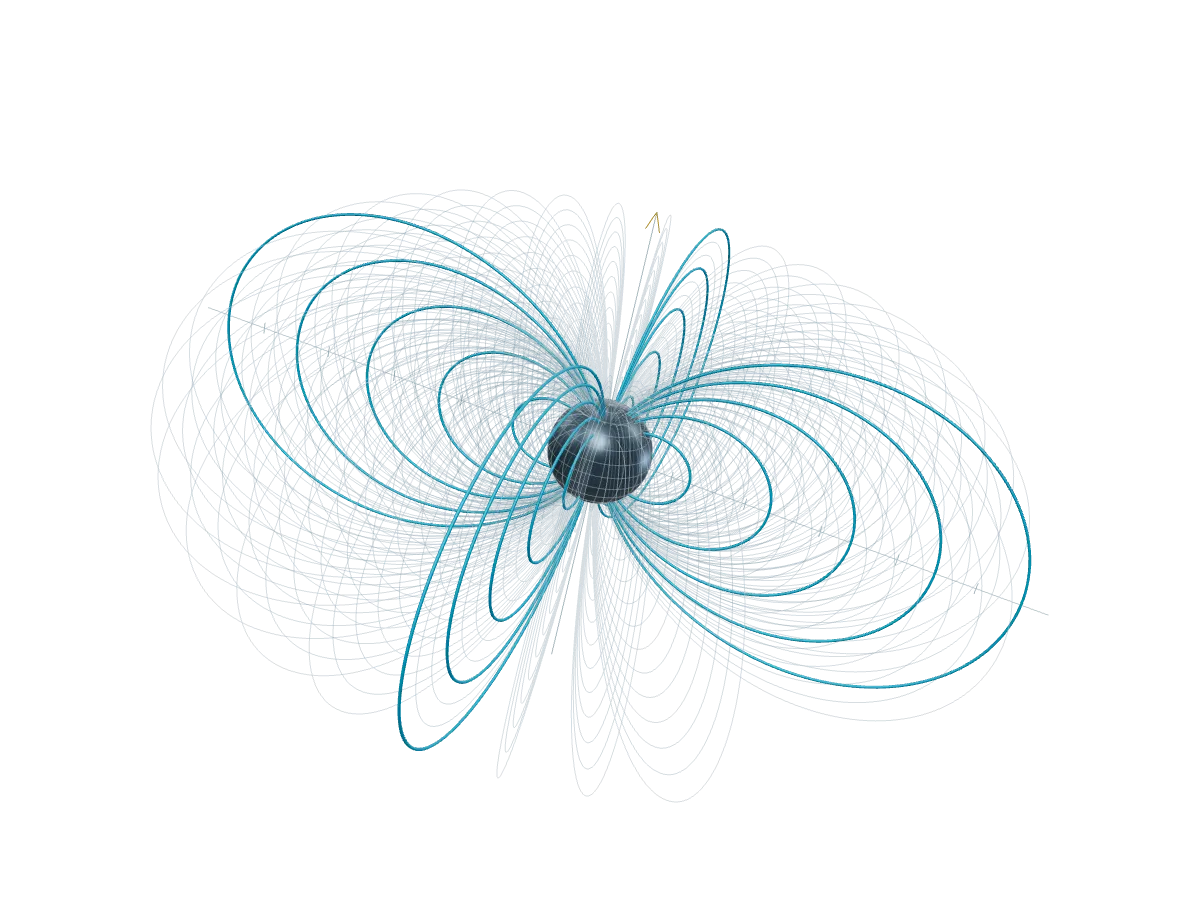
An interference figure becomes easier to understand when you can move its sources. Change the angle and the pattern turns. Change the frequency and the bands tighten. The source that puts that experiment in a slide is small:
<Shader frequency={9} angle={24} parameters />Shader and Chart now share a parameter control panel. Initial values still come from their normal props. Use parameters to expose the available controls, or a list such as parameters={['frequency']} to choose the useful ones. Reset values returns to the authored starting point. Charts can change their ink, grid, and eligible zoom behavior using the rows already loaded.
Focus gives a live figure more room. In a presentation, its heading has a Focus button; on an ordinary page, add the reusable Focus component with the figure’s ID. The browser promotes the existing element into its top layer, preserving its canvas, controls, and current values. Keyboard input stays with the figure. Escape returns to the button that opened it. The focus guide explains the behavior and the native browser mechanism.
The presentation frame is smaller too. Present starts from the reading position, and Back to reading returns there; Tools collects appearance, presenter utilities, and sharing. Navigation and overview live together at the bottom. The slide itself remains the main surface.
That surface now uses the same named styles as the rest of the site: Neutral, Paper, Chalk, and Blueprint. Light, Dark, and System remain a separate preference. A deck inherits the site style by default, while its Tools menu can choose a local override. Blueprint’s grid comes from shared surface tokens, so it works in a page, a component preview, and a presentation.
Try the interactive field presentation or compare the four styles in Themes and live figures. The parameter guide covers the live API, and the theme guide covers page defaults and scoped tokens. Parameter changes stay in the current mounted figure; sharing a slide link does not transmit those values to another viewer.
The newer articles, decks, and live figures update adds distinct article/deck reading layouts, model parameters, and chart data/image exports.